

Tech Tip
-
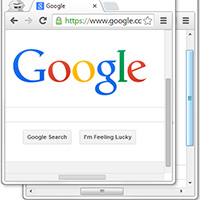
Tech Tip: Get back arrows in Google Chrome scrollbar
Google recently updated the Chrome browser on Windows to have a unified look with its Chrome OS. In doing so the scrollbars of the browser were made thinner and the arrows at the top and bottom of the scrollbar were removed.
-

Tech Tip: Spruce up your website or blog with Google Fonts
Interesting images, video and interactive content can really enrich a website but the font of your website or blog plays a vital role in the user experience as well.
-

Tech Tip: Online Stopwatch
The Online Stopwatch is a web based stopwatch that runs in your browser. You can use it at regular size or in full screen mode and use it either as a timer which counts up or as a timer which counts down from a specific time.
-

Tech Tip: Search for Coupons before making online purchases
The internet is a great place for finding legitimate coupon codes and special offers for online shopping – if you are willing to do a little searching.
-

Tech Tip: Separate browsers for separate identities
If you stay logged in to Facebook or other websites on your computer, tablet or mobile device it might be a pain to let someone else use it without risking exposing or losing all your personal settings.
-
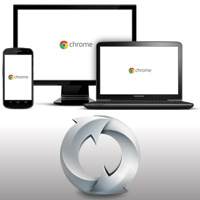
Tech Tip: Synchronize browsers on multiple devices
It’s great to be able to browse the internet from your mobile phone but there may be some bookmarks on your desktop or laptop computer that you need.
-
Tech Tip: Combine files into a single PDF
An easy way to store and share related documents is to combine them all into a single PDF file.
-
Tech Tip: Clean keyboards and fans with compressed air
If your keyboard or your computer fan has accumulated dust in hard to reach areas a can of compressed air can help you clean it.
-
Tech Tip: How to find your IP address
There are many ways of finding your IP address on either Windows or Mac